local AI · image · video · audio
Creator Studio
Fifty-two ways to make or change a picture, a clip or a sound, across more than twenty open models, behind one app that speaks plainly. It runs on two graphics cards at home, and nothing it makes leaves the house.
- role
- product · design · build
- runs on
- RTX 5090 + RTX 4090, at home
- status
- running · 2026
01why it exists
Every model came with its own front door.
Open models for pictures, video, music and speech are very good now, and each one arrives as a graph of nodes or a demo page with its own words for things. Making one short film meant four tools, four folders and a notebook to remember the settings.
Creator Studio puts one plain form in front of all of them. Choose what you want to happen, see how long it will take, press the button. The result lands in a library that remembers exactly how it was made, ready to be the input to the next step.
- 52
- workflows: image, video and audio
- 26
- of them make or change video
- 9
- instant editing tools that need no graphics card
- 2
- graphics cards at home, 56 GB of memory between them
- 0
- pictures, clips or voices sent to anyone’s cloud
02made in the studio
Pictures, clips and sound, made for this page.
Everything below came out of the app on 2026-11-15, with the prompt and the time it took. Drag the dividers; play the clips.
Create a picture
“A teak workbench with brass hand tools laid out in a neat row, a small ceramic tea cup on the right corner, wood shavings, soft window light from the left, shallow depth of field, calm product photograph, no people”
FLUX.2-klein · 1 min 6 s
“A single hand-thrown celadon ceramic teapot standing on a plain pale grey studio backdrop, soft even light, centered product photograph, nothing else in frame”
FLUX.2-klein · 1 min 4 s
“A black and white film photograph of a koi pond seen from above, lily pads, ripples and several koi under the surface, fine grain, monochrome”
FLUX.2-klein · 51.4 s
“A quiet Bangkok canal at dusk, loose watercolour painting on textured paper, wooden stilt houses and an empty long-tail boat moored at a jetty, warm lantern reflections on the water, soft washes of violet and amber, no people”
FLUX.2-klein · 2 min 26 s
Change a picture
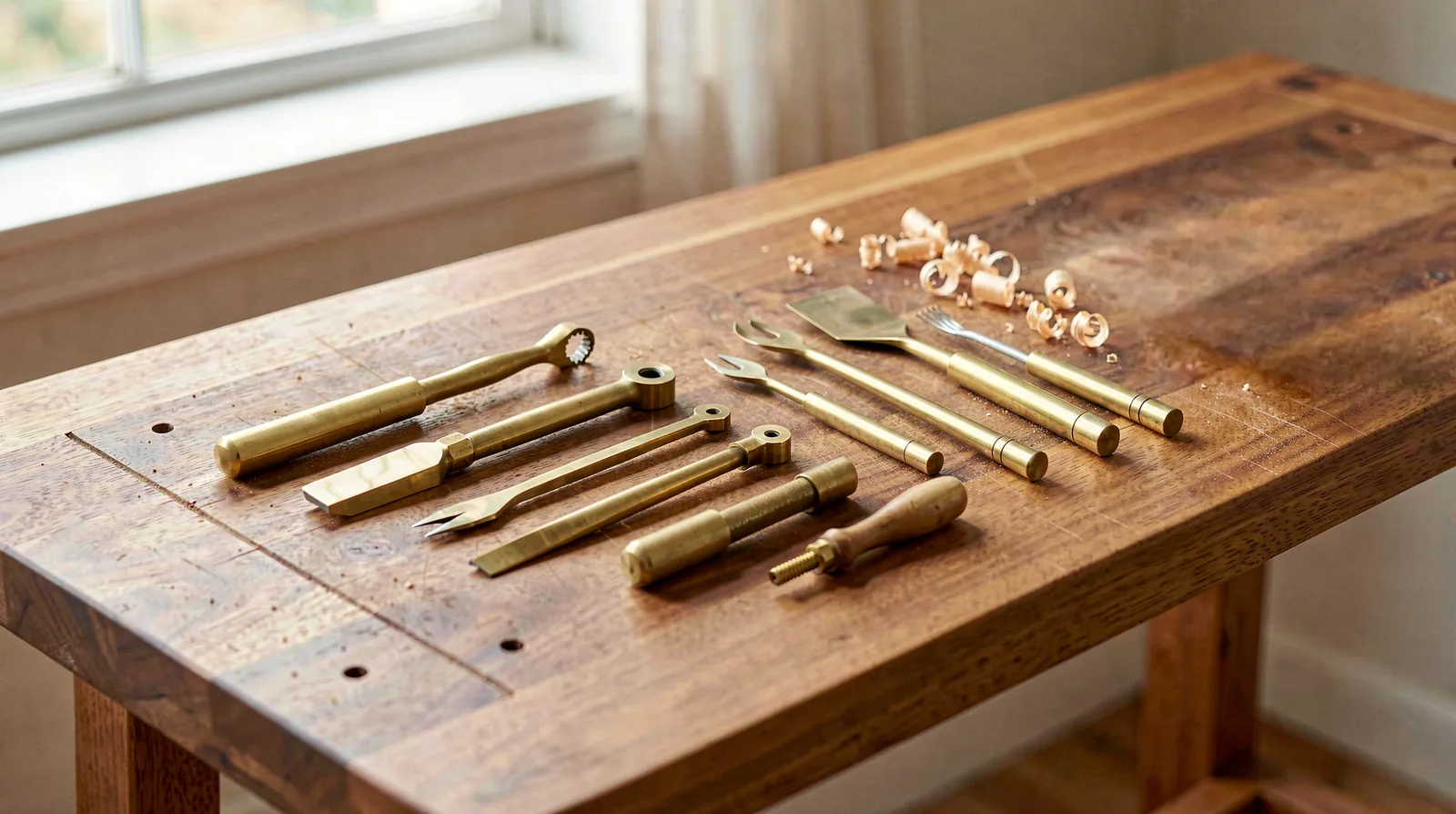
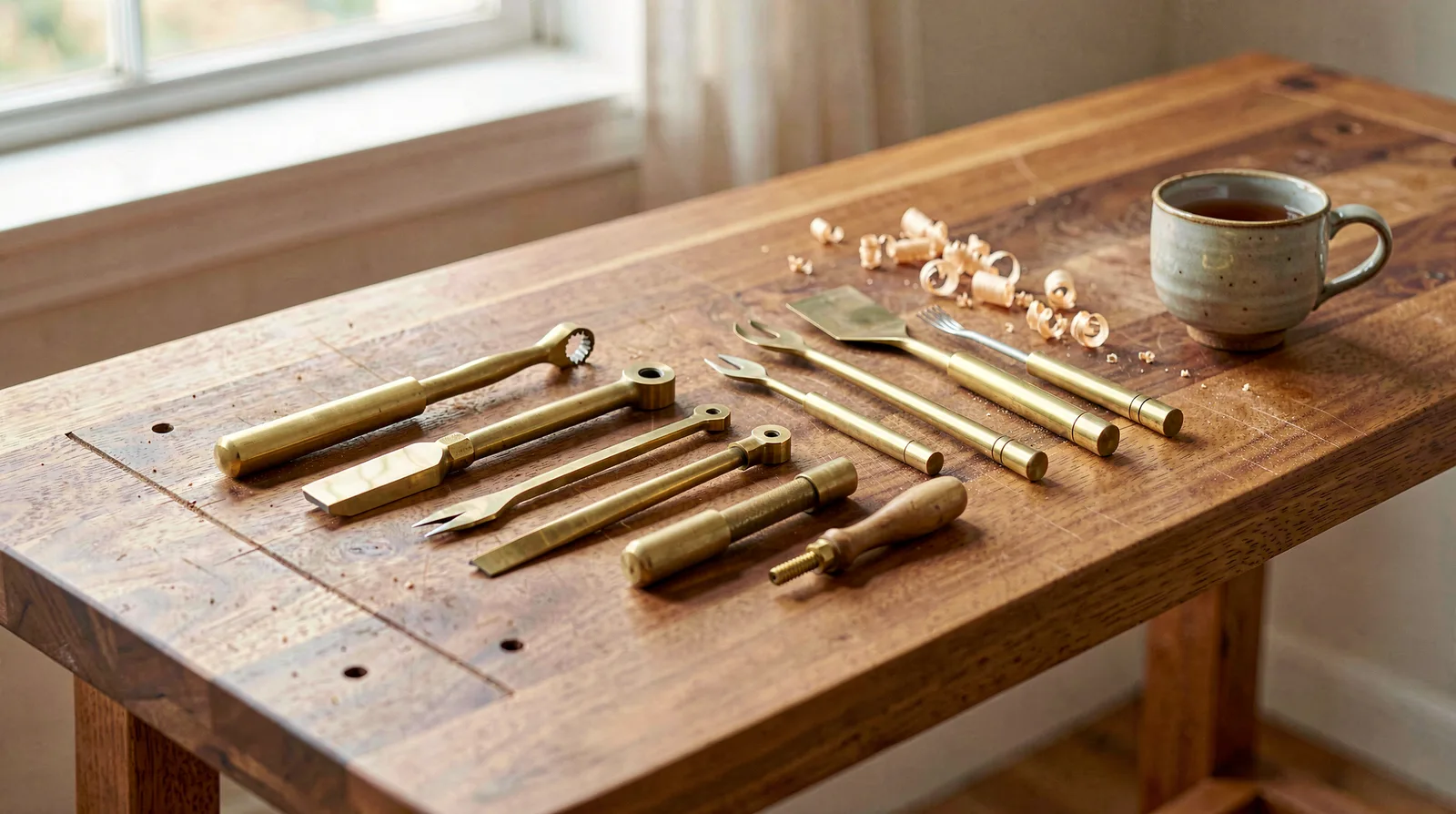
Remove things: the tea cup
SAM 3 · LaMa · 4.7 s
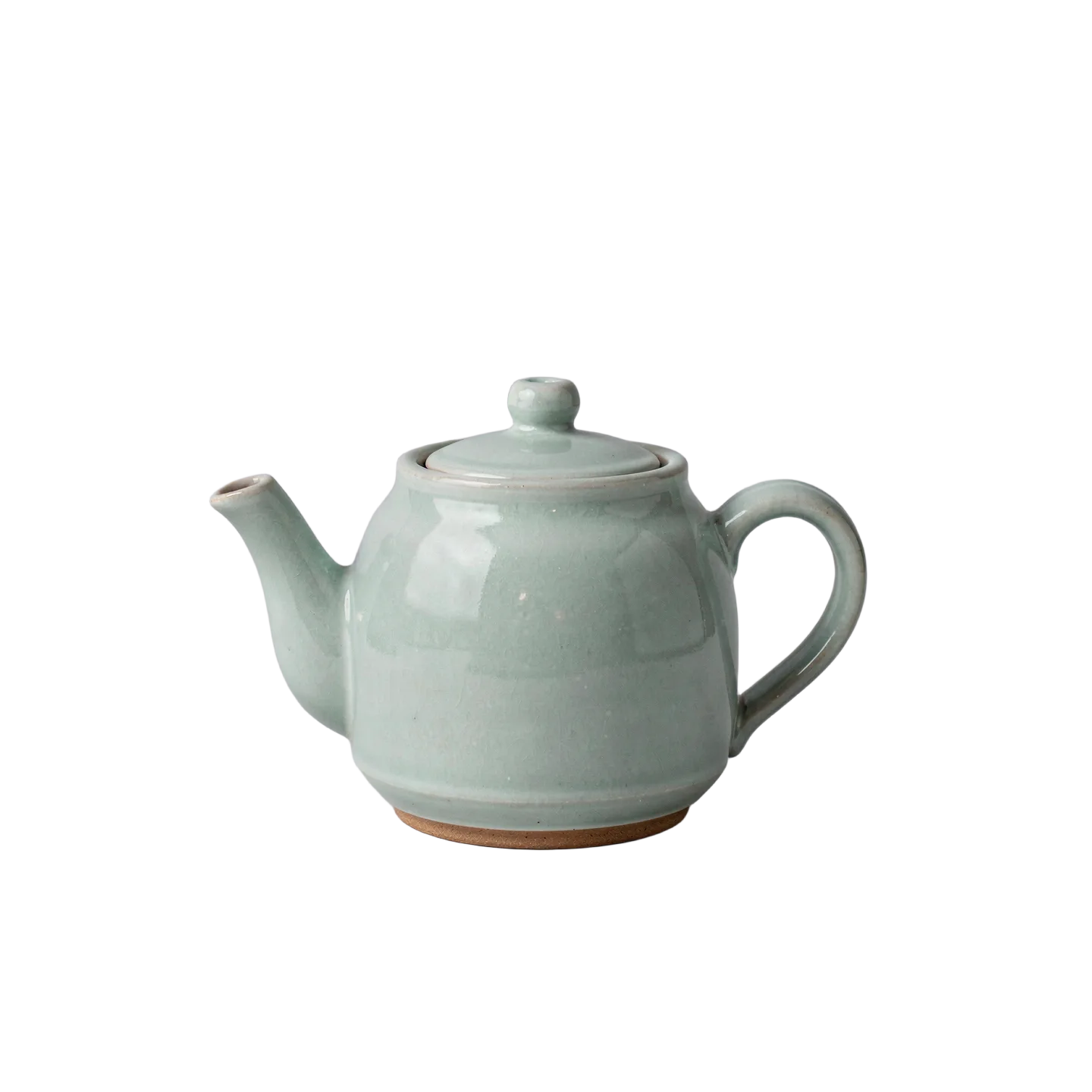
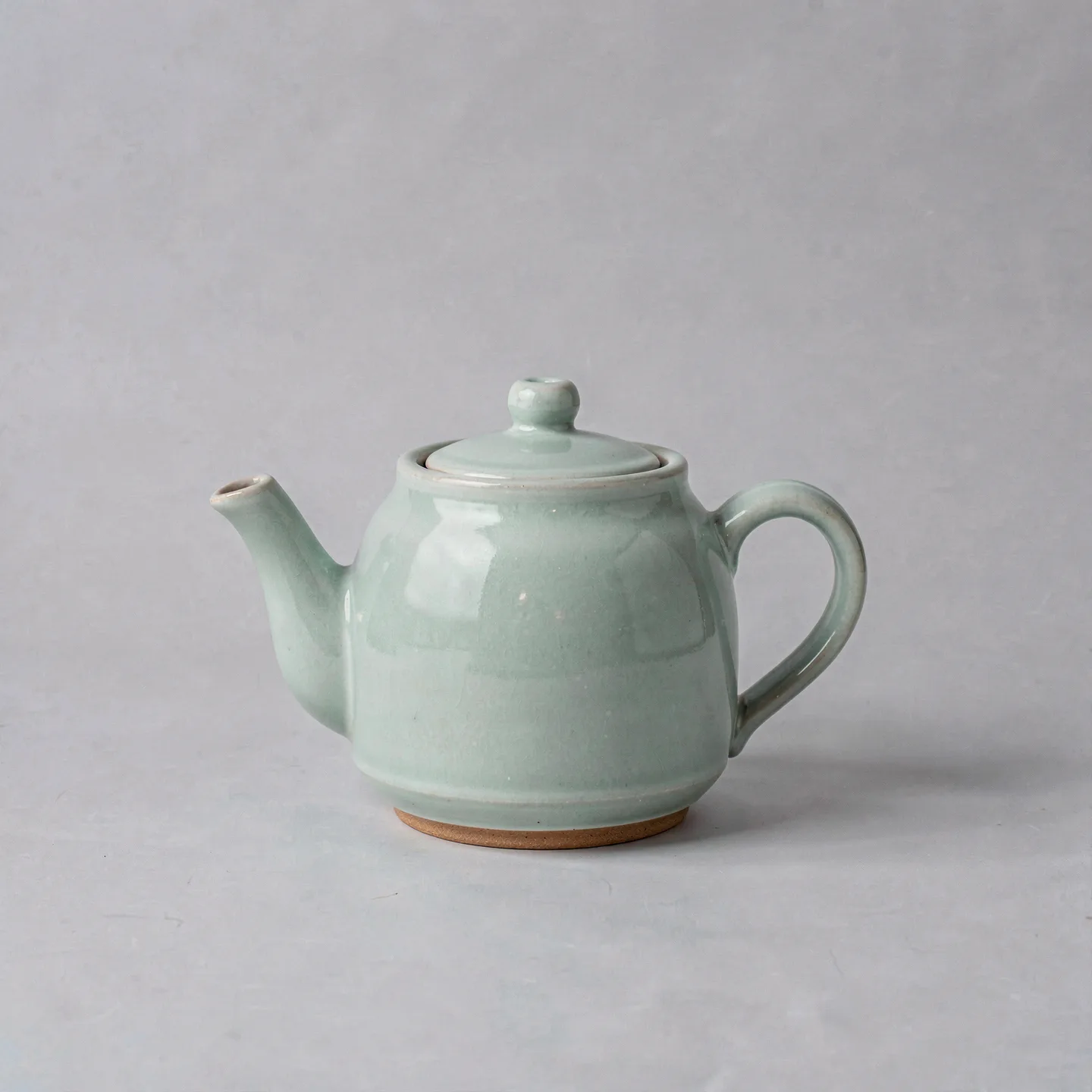
Cut out the subject
BiRefNet · 3.4 s
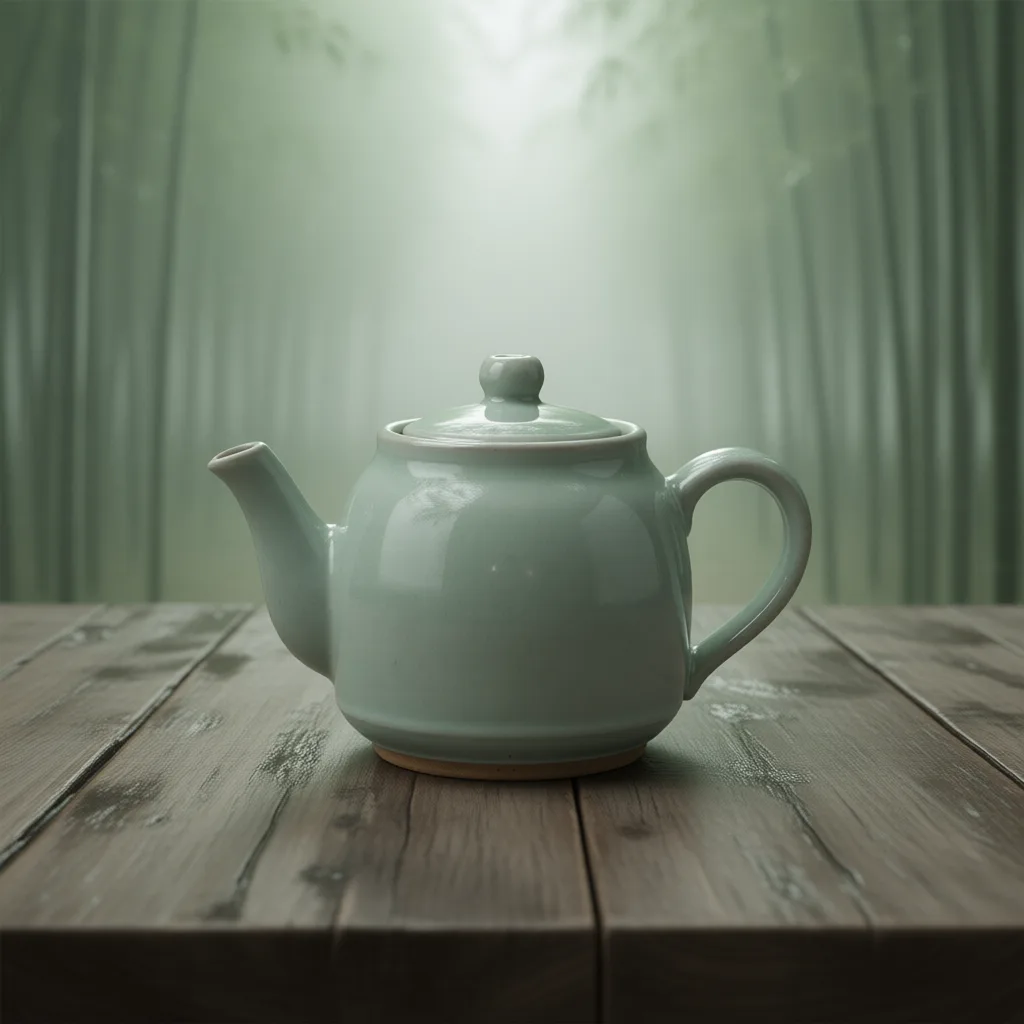
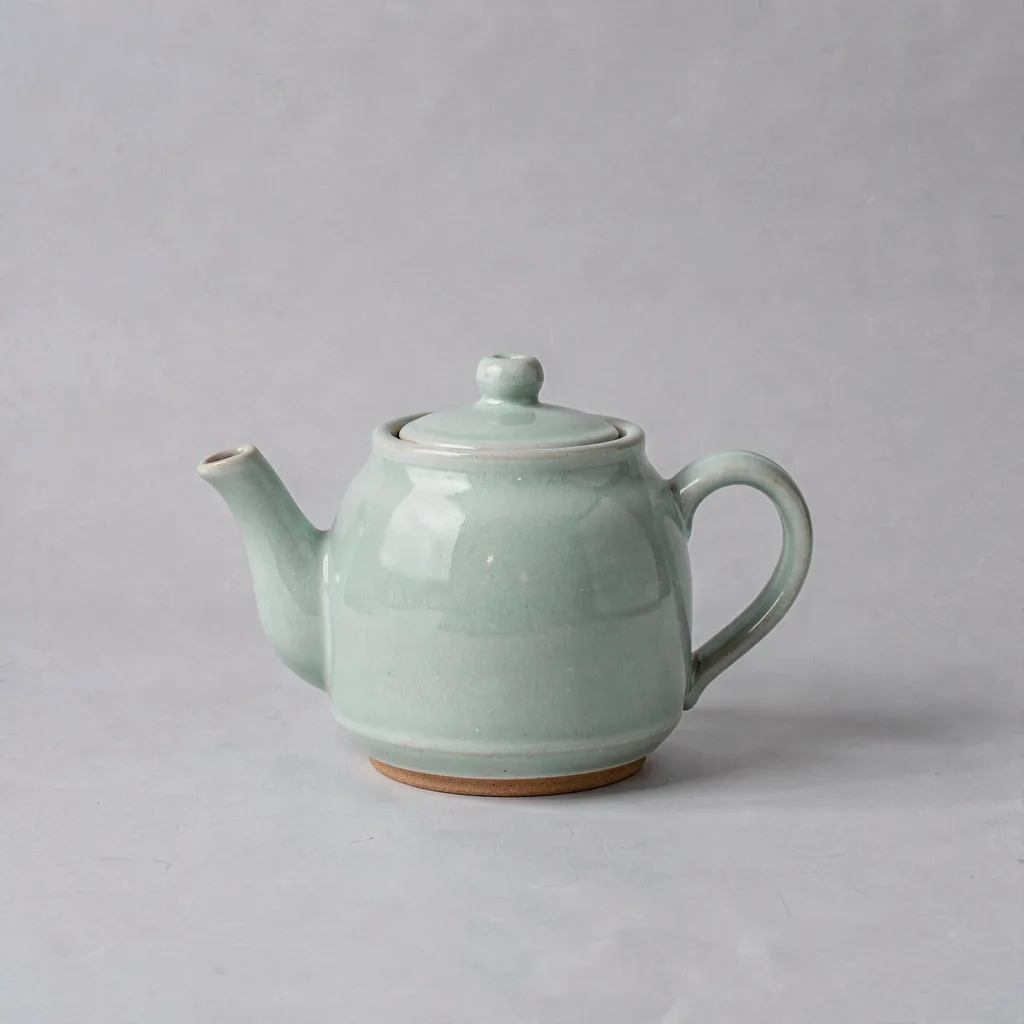
Swap the background
Qwen-Image-Edit · 1 min 40 s
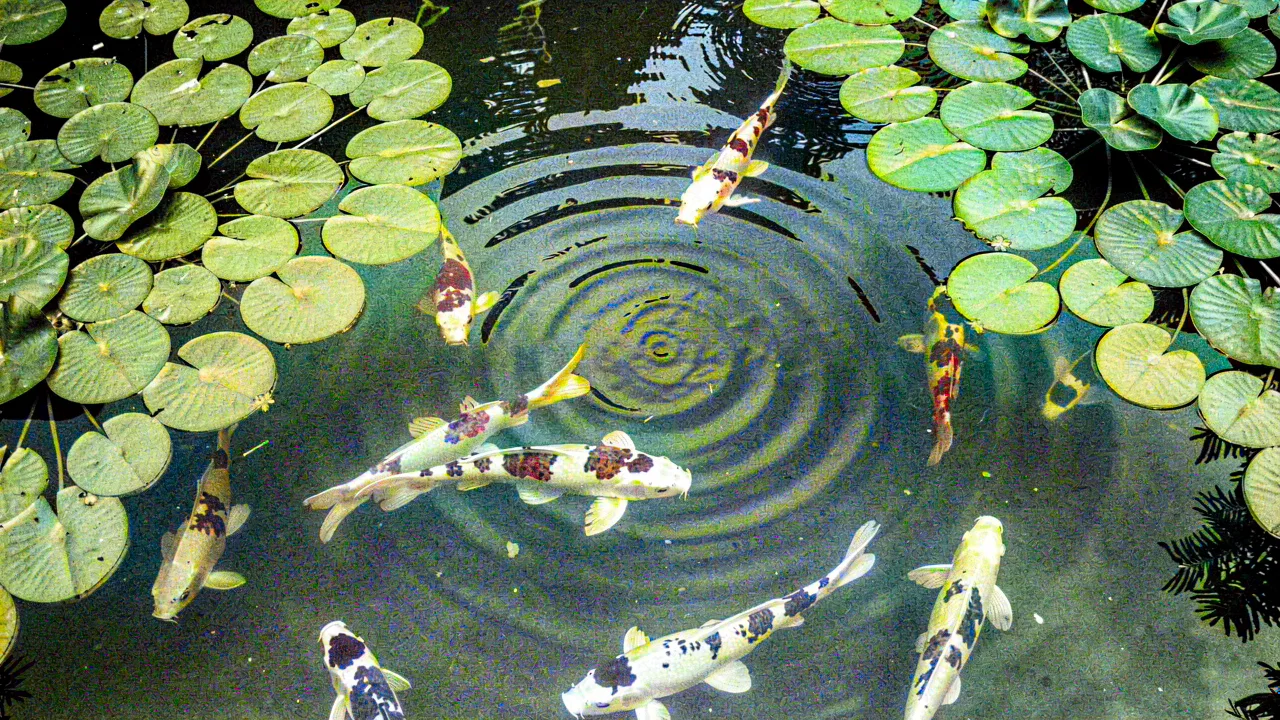
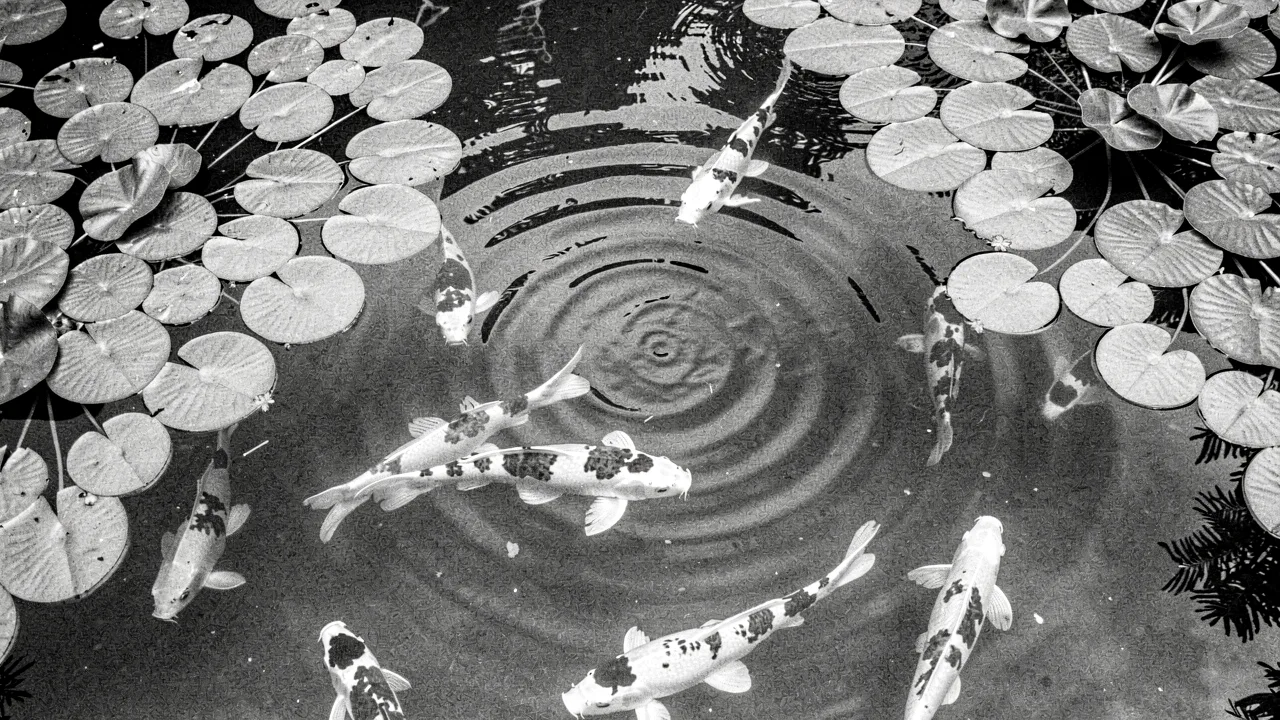
Recolor: black and white to colour
DDColor · 7.5 s
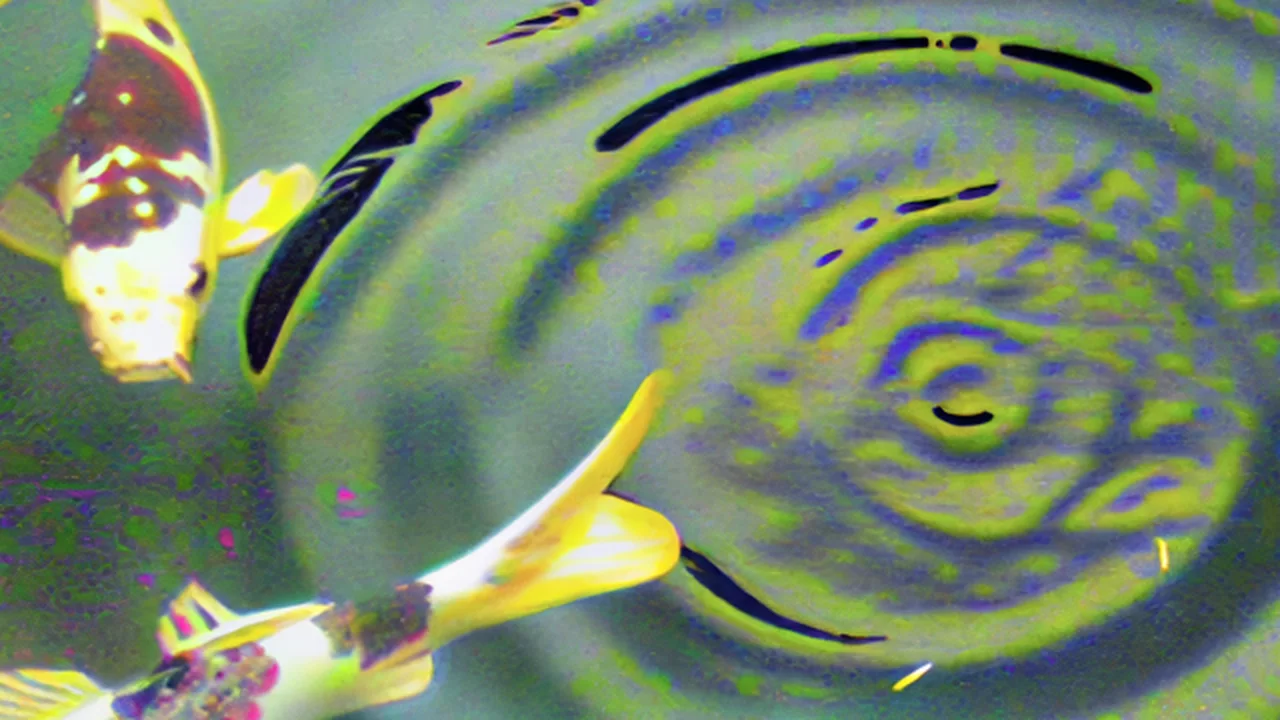
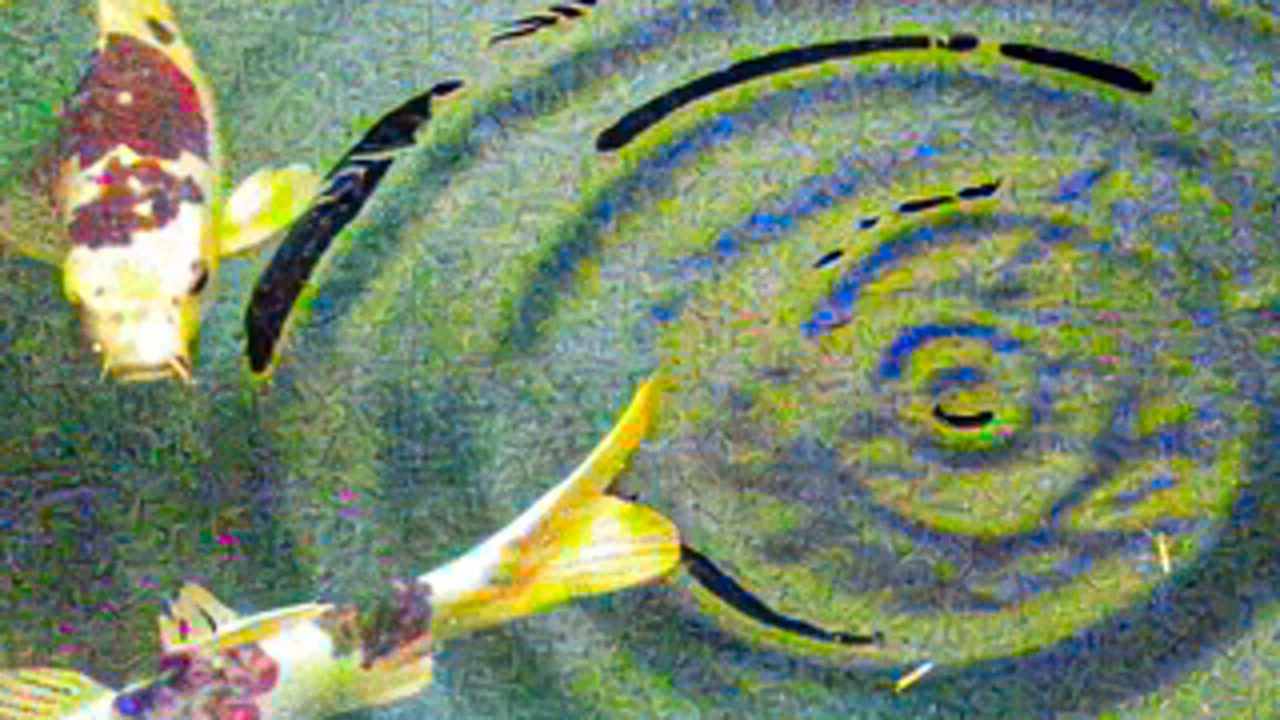
Upscale a picture, 2x: detail
SeedVR2 3B · 11.8 s
Make it move
Image to video: the canal
Gentle ripples move across the canal, lantern reflections shimmer on the water, the moored boat rocks slightly, clouds drift slowly. Static camera.
Image → Video · Wan 2.2 TI2V 5B · Wan 2.2 I2V 14B · 4 min 17 s
Image + camera move: zoom in
A slow push in over the brass tools on the workbench, dust motes drifting in the window light. Camera: Zoom In.
Image + Camera move · Wan 2.2 Fun Camera 14B · FLUX.2-klein · 7 min 21 s
Text to video: koi pond
Top-down view of orange and white koi swimming slowly in a clear pond among lily pads, gentle ripples, soft daylight, no people.
Text → Video · Wan 2.2 TI2V 5B · 4 min 13 s
Auto-score a videowith sound
No prompt: "Sound effects (foley)" on, music bed off. The sound is generated from the picture alone.
Auto-score a video · MMAudio · ACE-Step 1.5 · 23.3 s
Studio chain: grade, then add the musicwith sound
No prompt. Two steps on the canal clip: Color grade (contrast 1.1, saturation 1.15), then Replace audio with the lo-fi track.
Replace audio · ffmpeg · 1.4 s
Make it sound
Make music: lo-fi instrumental
Style: lo-fi, mellow electric piano, soft brushed drums, warm upright bass, relaxed. Instrumental, 30 seconds.
ACE-Step 1.5 · 32 s
Loopable music bed
A calm ambient bed: warm analog pads, soft kalimba plucks and a slow gentle pulse, spacious and unhurried
ACE-Step 1.5 · 17 min 34 s
Sound effect: rain on a tin roof
Steady rain falling on a tin roof, water dripping from the eaves, distant low rolling thunder
Stable Audio 3 · 28 s
03a guided look
The app itself.
Screenshots of the real interface at work. Select one for a closer look.
01 / Image
One working picture.
Drop a picture, pick one, or generate one. Then every image tool works on it.
- Create from a description, with up to six reference photos.
- Then cut out, extend, recolour, upscale, swap the background or box something to remove it.
- The form stays filled in under the result, so the next try is one change away.
1 of 7
04the catalog
Everything it can do today.
The live list, as the app reports it. The interface is drawn from this same catalog, so it cannot offer a tool that is not there.
- Animate a performance Your character performs the whole driving clip, at any length, with its own music kept. Wan 2.2 Animate 14B · FLUX.2-klein ~min
- Dance / pose Dedicated dance & pose mirroring (One-to-All). One-to-All Animation (Wan 2.1)
- Mirror a reference clip Copy a clip's motion onto a generated (not composed) scene. Wan 2.2 Fun VACE 14B
- Face swap Swap a face onto a clip and match it to the light of the shot - any length. DreamID-V
- Person removal Remove a person from a video and fill in the scene behind them. SAM 2 · GroundingDINO · LaMa
- Person swap (whole body) Replace a person in a clip with your own character, whole body. Wan 2.2 Animate 14B · LaMa
- Music / singing Drive a character by an audio track — singing / musical performance. Wan 2.2 S2V 14B
- Lip-sync / talking Unbounded-length talking/singing lip-sync — 1 speaker, or 2 in one shot. InfiniteTalk (Wan 2.1) ~min
- Compose scene → Video Fuse up to 6 photos + text into a scene, then animate it. Wan 2.2 Fun VACE 14B · FLUX.2-klein
- Multi-subject → Video Drop up to 4 distinct subjects into a generated video (no driving clip). Phantom (Wan 14B)
- Styled scene (anime / retro) Anime/retro/mecha looks from a text scene + a style LoRA, then animated. Illustrious SDXL
- Compose still image A single composed photoreal image (no video). FLUX.2-klein
- Image → Video Animate a single photo into a clip. Wan 2.2 TI2V 5B · Wan 2.2 I2V 14B ~min
- Image + Camera move A photo + a preset pan / zoom / orbit. Wan 2.2 Fun Camera 14B · FLUX.2-klein
- Long video (SVI) Minutes-long, drift-free, from one photo. Stable Video Infinity v2 Pro (Wan 2.2 I2V 14B)
- Text → Video The fastest text-to-video path: an idea from a prompt, no references, up to 5 seconds. Wan 2.2 TI2V 5B
- Reenact a performance A filmed performance replayed on your character still: face, expression and body, with no prompting. Wan 2.2 Animate 14B ~min
- AI upscale & restore Blurry, noisy or choppy footage in; sharp, high-resolution, smooth footage out. SeedVR2 · FlashVSR · CodeFormer · RIFE ~hrs
- Edit a video with words Describe the look you want - the clip is re-imagined toward it. Wan 2.1 V2V 1.3B ~min
- Swap a face (video) Swap a face onto a clip and match it to the light of the shot - any length. DreamID-V ~min
- Swap a face (many scenes) For a clip with cuts: each shot is found and swapped on its own, then joined back frame for frame. DreamID-V ~min
- Recolor Colorize B&W, turn night into day, or copy another clip's color grade. DDColor ~min
- Recolor Colorize B&W, turn night into day, or copy another clip's color grade. DDColor
- Color grading Exposure, contrast, colour and LUTs - the finishing pass. ffmpeg instant
- Color grading Exposure, contrast, colour and LUTs - the finishing pass. ffmpeg
- Create a picture Describe it - optionally blend in up to 6 reference photos. FLUX.2-klein ~min
- Anime & retro styles Styled art from a prompt (different engine - no reference photos). Illustrious SDXL
- Upscale a picture AI detail recovery (SeedVR2). SeedVR2 3B ~min
- Sharpen a picture AI detail recovery at the same size (SeedVR2). SeedVR2 3B ~min
- Cut out the subject Clean transparent-background PNG. BiRefNet ~sec
- Swap the background Keep the subject, replace everything behind them. Qwen-Image-Edit
- Remove things Circle it, box it, or just name it: it's gone, and everything else stays put. SAM 3 · LaMa ~min
- Change outfit Swap one garment or the whole outfit - describe it, or point at a photo. Qwen-Image-Edit
- Extend a photo Grow the frame - room for the feet, a wider shot, a taller crop. Qwen-Image-Edit ~min
- Swap a face (photo) Single or multiple subjects in a still image. Qwen-Image-Edit
- Character sheet Every emotion as a numbered, re-rollable still, for quality control before animating. —
- Swap / change anything Background, outfit, face, person - or anything you can describe. Qwen-Image-Edit
- Remove things Circle it, box it, or just name it: it's gone, and everything else stays put. SAM 3 · LaMa ~min
- Swap anything Circle it, name it, show it a photo: it becomes that, and the change follows it as it moves. SAM 3 · Wan 2.2 Fun VACE 14B ~min
- Make music A song from your lyrics and a style. ACE-Step 1.5 ~min
- Sound effect Foley and ambience from a description. Stable Audio 3 ~min
- Auto-score a video AI sound effects matched to the picture, plus an optional music bed. MMAudio · ACE-Step 1.5
- Voice swap (incl. singing) Convert any vocal or song to a target voice. Seed-VC ~min
- Voice pack Prebaked voice lines for an avatar: fillers, acknowledgements, moods and the non-verbal sounds that drive the face. Fish S2-Pro
- Fish Natural speech in English and Thai, with mood tags in brackets.Unavailable just now: voice server not running. Fish S2-Pro ~sec
- Higgs 21 emotions plus singing and laughter, in clips of up to 15 seconds.Unavailable just now: voice server not running. Higgs Audio v3
- IndexTTS-2 An emotion mixing desk: blend 8 feelings by slider.Unavailable just now: voice server not running. IndexTTS-2
- F5 Thai Thai voice with mood presets.Unavailable just now: voice server not running. F5-TTS-Thai
- Loopable music bed A seamless ambient loop for a site or app - in tune, one tempo, no fade. ACE-Step 1.5 ~min
- Compose & mix A full composition from a prompt, split into instruments you can balance. ACE-Step 1.5 · Demucs
- Avatar speaks A face plus a voice line becomes a talking clip (offline render). MuseTalk · SoulX-FlashHead
- Expression pack Filmed moods turned into clips a live avatar switches between by emotion. MuseTalk
- Crop Keep only the drawn region. Everything outside it is discarded. ffmpeg instant
- Extract audio Pull the soundtrack out as its own audio file. ffmpeg instant
- Remove audio Delete the soundtrack. The video is untouched. ffmpeg instant
- Replace audio Put a different soundtrack on the clip. The video is untouched. ffmpeg instant
- Resize Change the pixel size. Pad keeps everything and letterboxes; cover fills the frame and trims the overflow. ffmpeg instant
- Speed & FPS Change playback speed or frame rate. Smooth adds AI in-between frames (RIFE) instead of duplicating. ffmpeg instant
- Trim Keep only the part between the handles. Frame-exact on video. ffmpeg instant
- Clean up audio Denoise, pitch and level in one pass. — ~sec
- Split voice / music Separate the voice from the music (Demucs) and keep the side you pick. Demucs ~min
61 of 61 shown
05decisions
Why it is the way it is.
- prioritiesUsability, then completeness, then looks.
- Written at the top of the redesign brief, in that order, and used to settle arguments. Local models arrive as node graphs with their own vocabulary; the job of the app is to make fifty of them feel like one tool.
- languageTools are named for what you want, not for the model.
- “Remove things”, “Swap the background”, “Image + camera move”. The model’s name is on the page for the curious, but nobody should have to know which checkpoint removes a tea cup. Forms are generated from one catalog, with controls in the order you would do things.
- expectationsEvery tool says how long it takes before you choose it.
- A cut-out takes three seconds; a camera move takes seven minutes. Finding that out after pressing the button is how people stop trusting a tool. The badge sets the expectation; Review & render confirms it with a time estimate and the memory it needs.
- honestyIt only offers what is installed, and says why something is off.
- If a model is missing or a server is down, the tool is greyed out with the reason on hover. It is never hidden, because a tool that vanishes looks like a bug, and never offered, because a button that fails is worse.
- provenanceNothing is made without its recipe.
- Every output records the workflow, engine, prompt, seed and settings that made it. A good result can be made again, a bad one can be understood, and six months later the question “how did I get this?” has an answer.
- ownershipThe app owns what it makes and borrows the rest.
- Generated files live in its library. Your own photographs and footage stay where they are; the app keeps a pointer, a fingerprint and a thumbnail. Deleting something in the studio can never delete an original.
- hardwareTwo lanes instead of one queue.
- One card is faster; the other is usually free. Jobs take the big card when it is idle and fall back instead of waiting, voice tools live on the second card, and instant edits need neither. The tray shows both, so a wait always has a visible reason.
- craftMeasure, do not assume.
- The music model turned out to render about half a semitone sharp, so each take is measured and corrected. Loopable beds are checked against a drift limit and rejected if they would click. These were found by measuring outputs, not by reading model cards.
- privacyLocal, on purpose.
- The reason to run this at home is to work on personal pictures and footage without sending them anywhere. Every model runs on hardware in the house.
[a Python service and a plain JavaScript interface, driving the models through ComfyUI · the subjects on this page were chosen to have no people in them]